
Signing in
Your first sign-in
New accounts are created for you, so you don't sign up. You'll get a welcome email inviting you to set a password. Once it's set you're taken to the sign-in screen.
Your dashboard lives at your own address, usually in the form platform.tvbeat.com. It's worth bookmarking it.
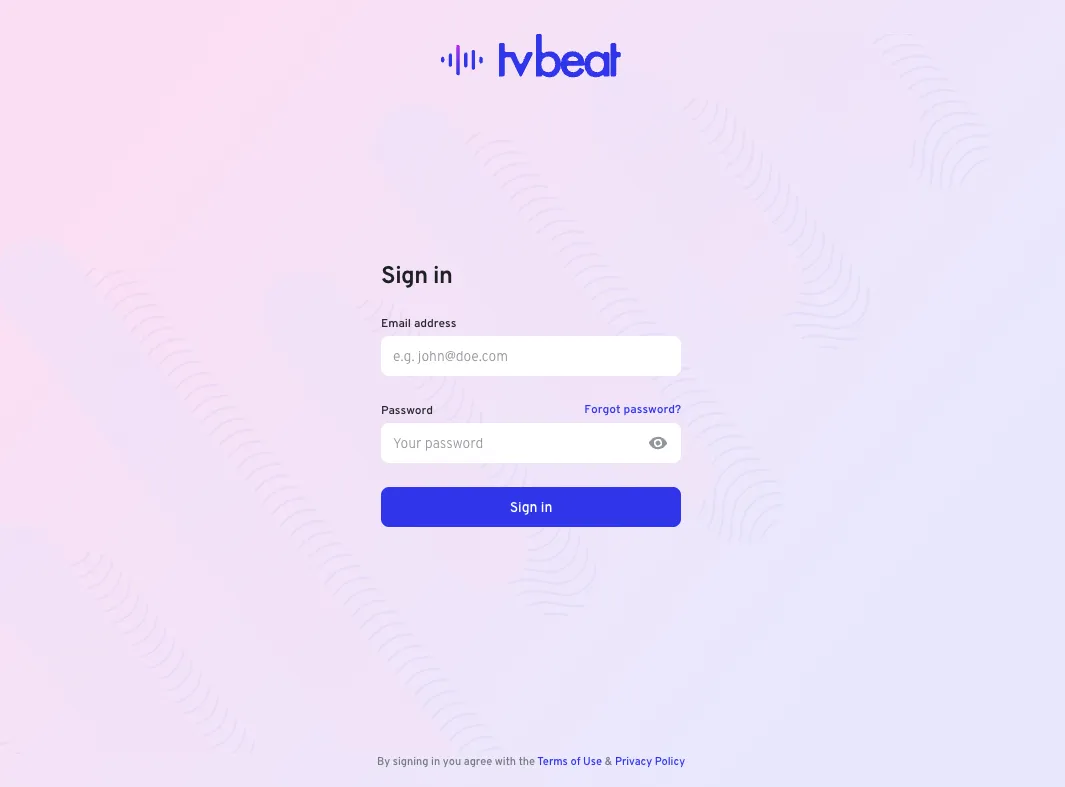
Signing in day to day
Enter your email address and password.
If your organisation has two-factor authentication enabled, you'll then be asked for a verification code, sent to your email address. Enter it to finish signing in.
If you can't get in
| Problem | What to do |
|---|---|
| Forgotten password | Use the forgot password link on the sign-in screen |
| No welcome email | Check spam, then ask your administrator to re-send the invitation |
| Code doesn't arrive | Wait a moment and request another; check spam |
| Account locked or unrecognised | Contact your administrator, or support@tvbeat.com |
Changing your password
Once signed in, open the account menu at the top right of the dashboard and choose Change password. See Your account.
Related
- Finding your way around — where everything is once you're in
- FAQ: getting in — welcome emails, codes and locked accounts